To import a Confluence space:
- In Confluence, go to the space you'd like to import into Perfect Wiki
Go to Space Settings → Manage space → Export space
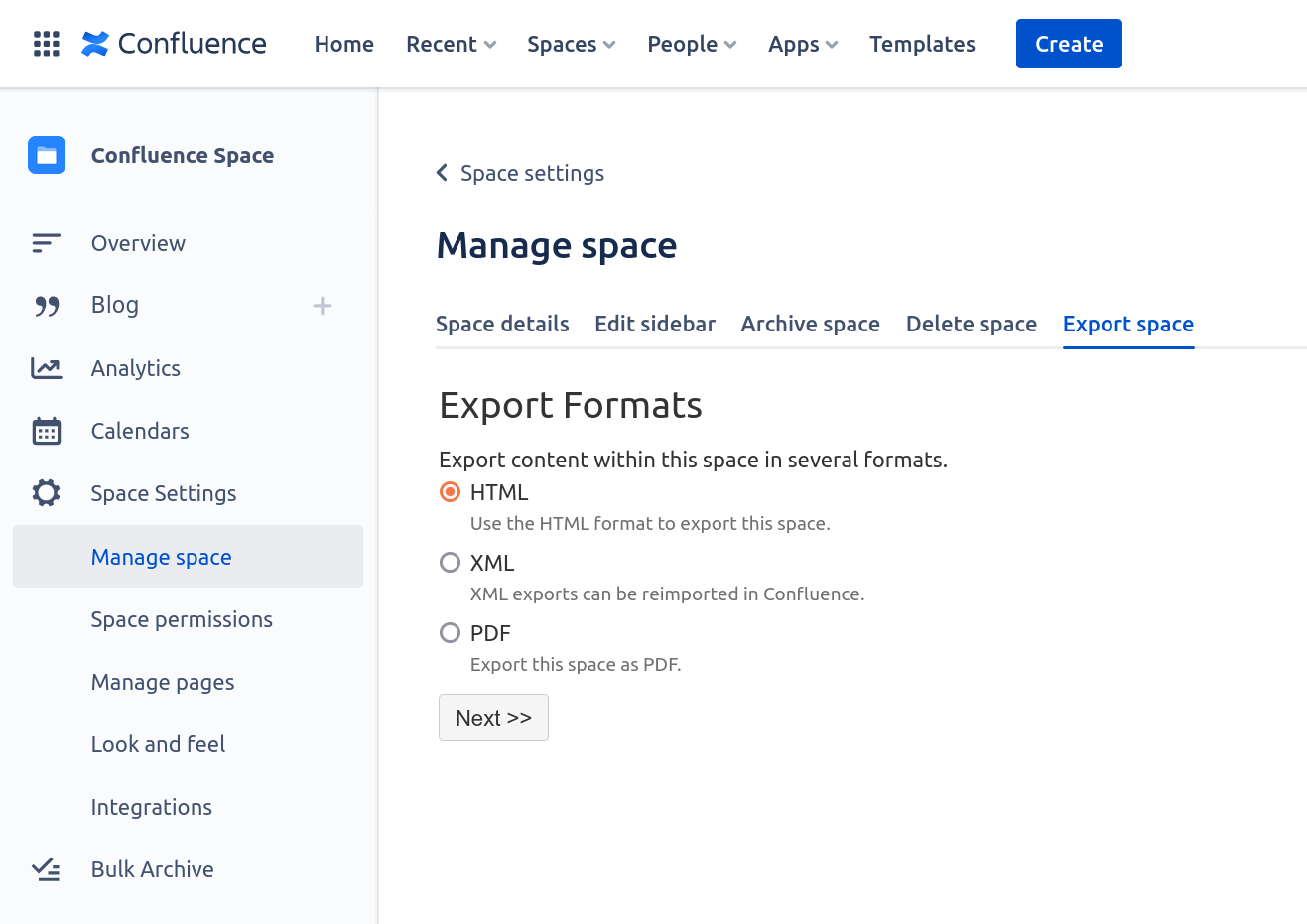
- Select HTML and click Next.
Select Normal Export to export the whole space or Custom Export if you want to export a specific page
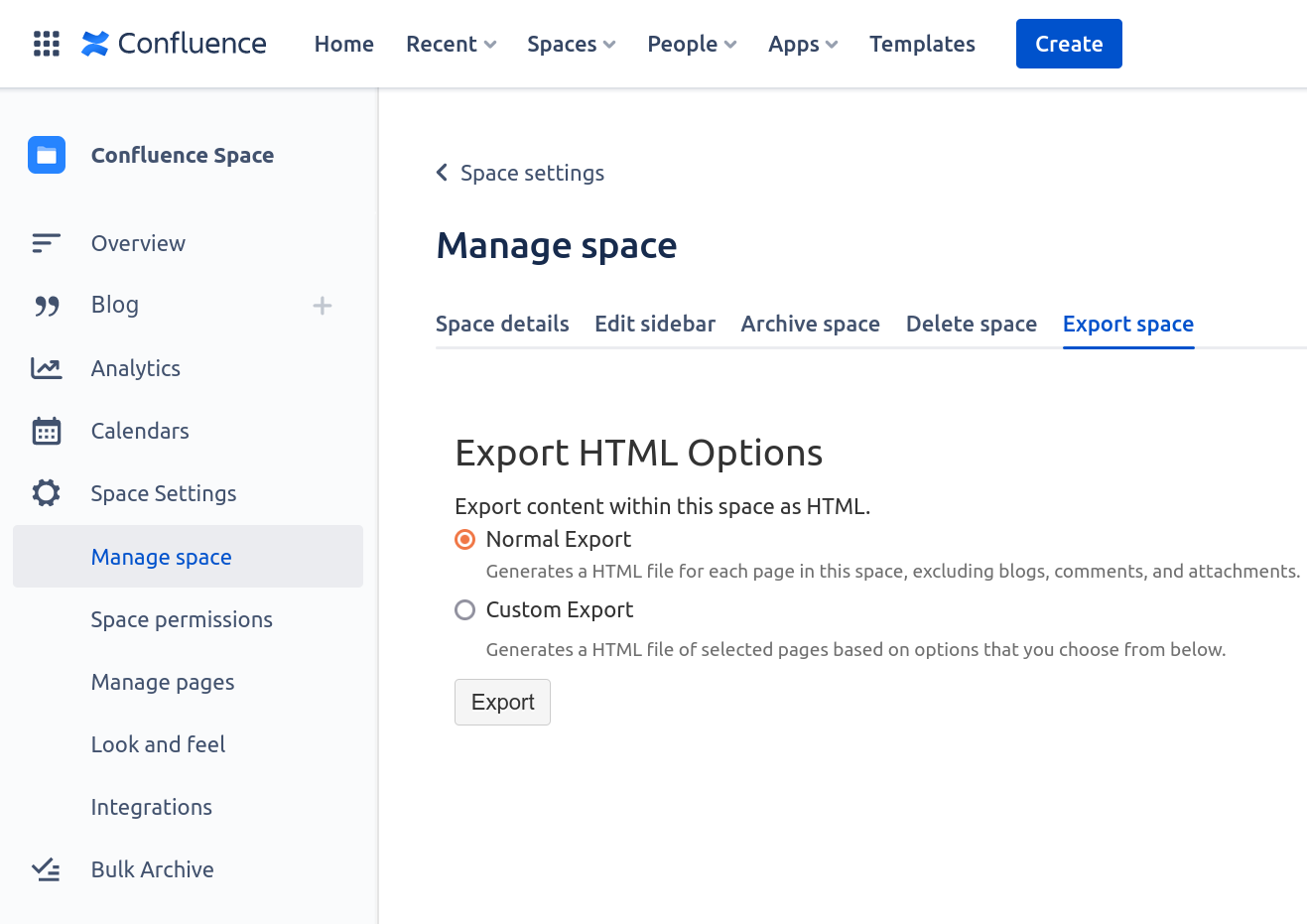
- Click Export and download the file after completion
- In Perfect Wiki, open the knowledge base you'd like to import the Confluence pages into
Hit ‘Add Page’ or 'Import Pages'

Choose ‘Import’ tab, Upload files or backup and input your .zip file from your desktop into the window

- Hit ‘Import' and you're done
Pay attention to the size of the uploaded file. Attachment sizes can differ on various subscription plans.